In the “Projects / Reminder” area, you can determine or change diverse standard project settings.
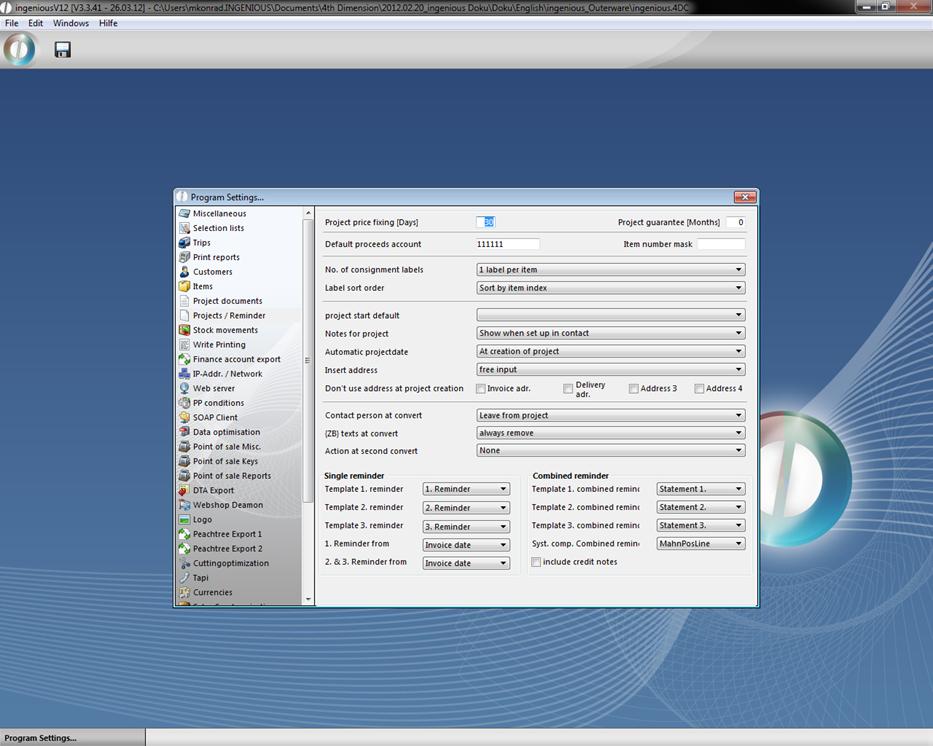
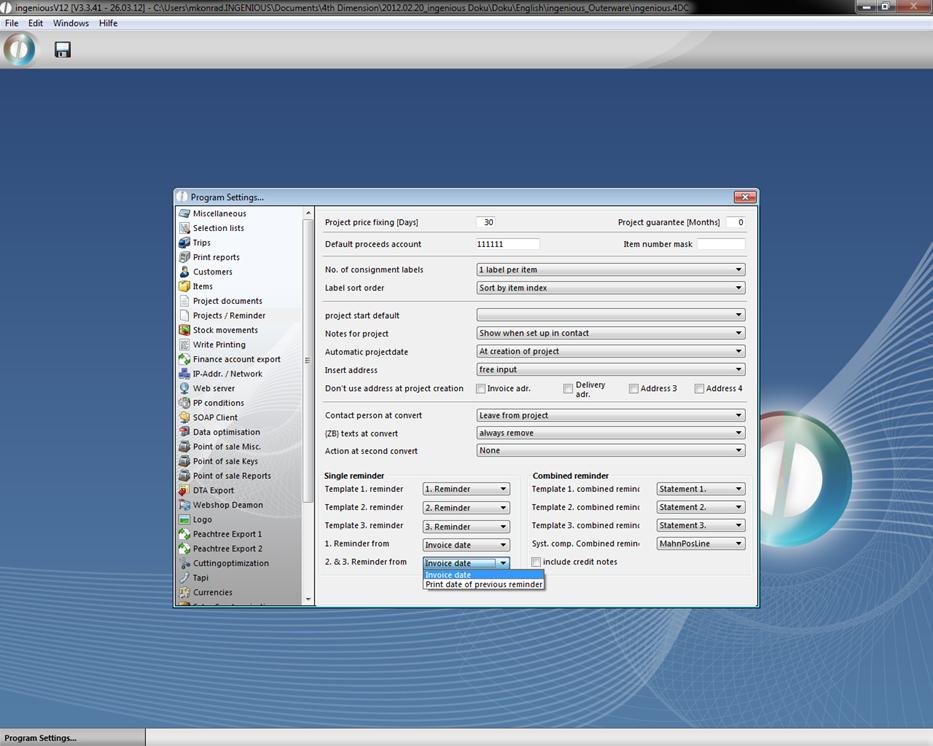
Here you can determine what the standard discount is, how many labels must be printed, when the automatic stock accounting should occur, what the sorting order should be with automatic orders, etc. Furthermore, you can determine various reminder forms in the “Single reminder” and “Combined reminder” fields, and you also can select an option for the system module.
In the field “item number mask” you can define how the items should be enumerated by default. For instance you can enter “000”, so all item numbers begin with three zeros (0001, 0002, …) If the field is empty, then the number starts automatically with “1”.
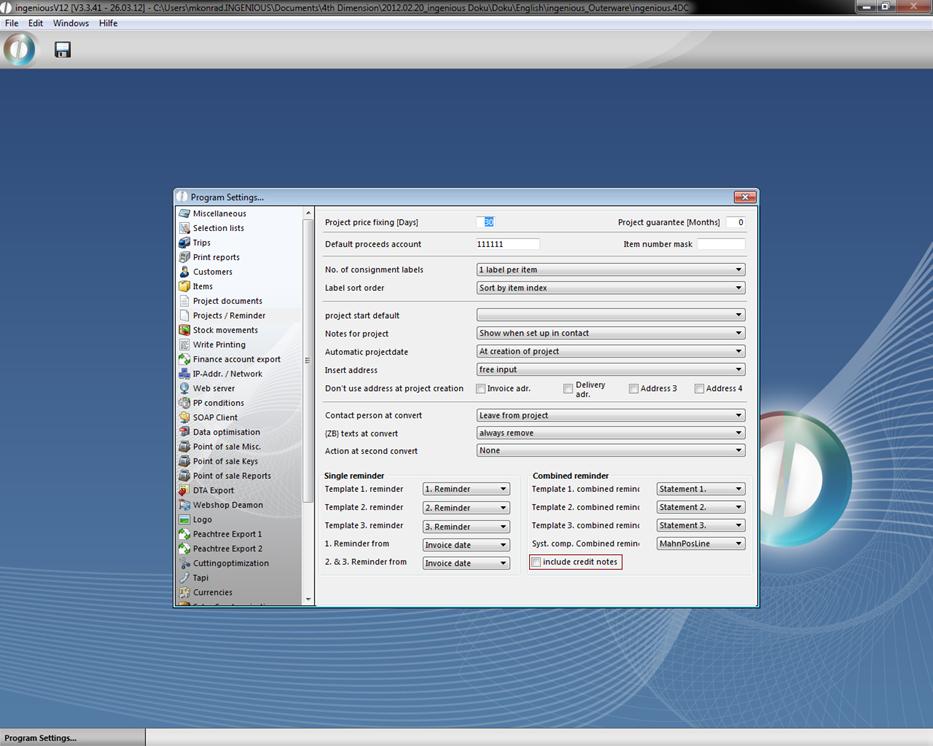
In the creation of combined reminders the credit notes of customers will be regarded now. The credit notes will be included in the combined reminders. To do so you only have to check the field “include credit notes” in the program settings category “Projects / Reminder”.
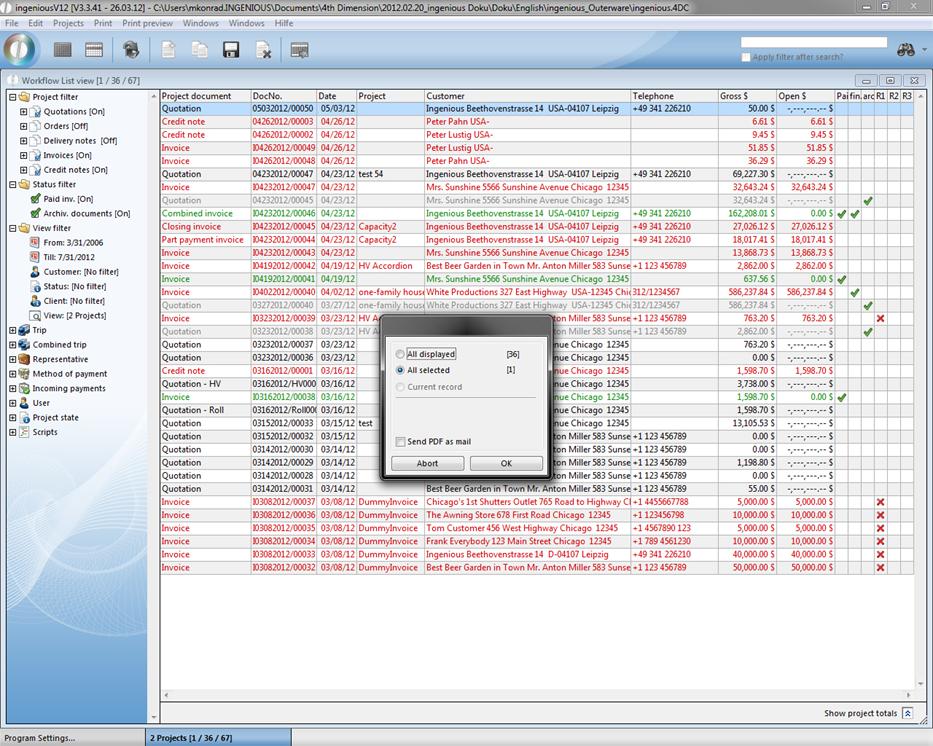
The dunning run can also be printed for single (selected) projects, instead of all projects. When you click the menu entry “Print – Workflow – Dunning run reminder printing” a dialog will be open, where you can set the preferred preferences.
The printing of a reminder in the project detail view is also registered in the category “Payments”.